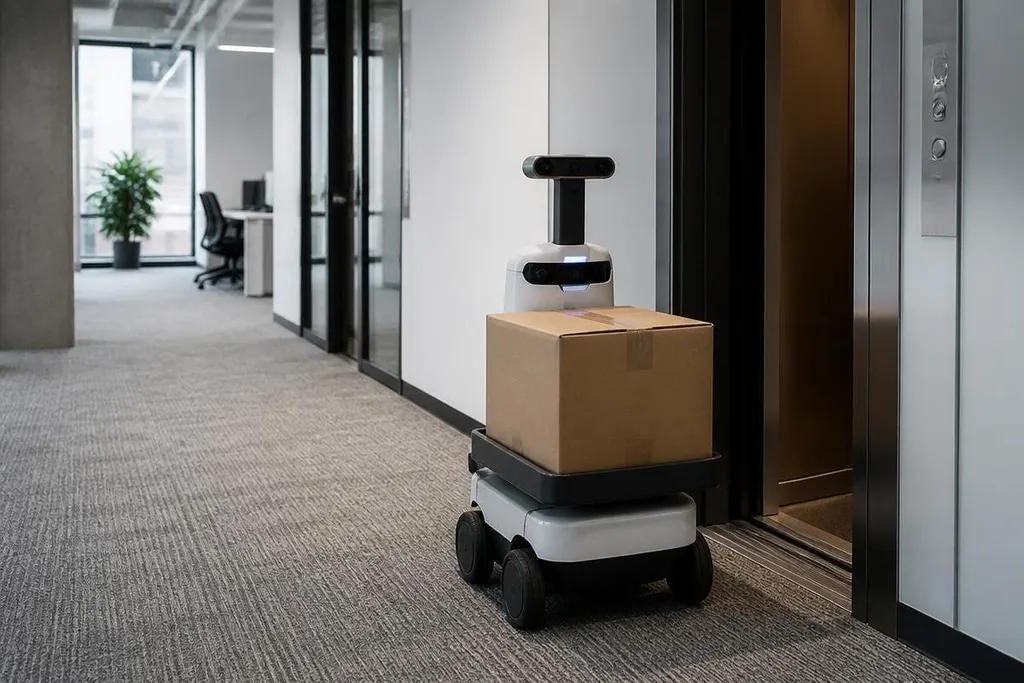
An office robot that carries a box across one floor faces a harder test than its demo suggests. It must read doors, people, lifts, floor changes, and blocked paths before the job is complete.
The next wave of office robots will be judged by finished tasks, not by human-like shapes.
Quick read
- Office work suits robots when the task is repeated and easy to check.
- Doors, lifts, charging, and building rules can stop a robot before its main task begins.
- A useful office robot needs clear work limits, safe handoffs, and a service plan.
Start with the job
The best office tasks have a clear start and finish. Moving mail between floors, carrying food from a kitchen, cleaning a set area, and guiding visitors all fit that pattern because a manager can check whether the work happened.
That check matters. A robot that carries a tray to the right room has done useful work; a robot that only moves around a lobby has created another object for staff to watch. The task should also happen often enough to justify charging, repairs, software updates, and staff training.
Office robots can work in places where people already move through shared space. Their sensors may include cameras, LiDAR, and bump sensors. LiDAR measures distance with light, helping the robot build a map and avoid objects it sees in front of it.
Mapping alone doesn't finish the job. The robot also needs rules for stopping near a person, asking for help when a door is closed, and waiting when a lift is full. Those small decisions take more planning than a clear hallway demo.
The building is part of the robot
A robot may work well on a test floor and still fail in a real office. A lift may need a badge. A fire door may close by itself. A visitor may leave a bag in the route. Each case adds a handoff between the robot and the building.
That is why office automation needs building access, lift controls, charging points, and a person who can respond to faults. The robot's route is only one part of the system. If the robot reaches a locked door and waits for 20 minutes, its map wasn't the problem.
Robot24.com office robotics reportingcan tie a robot’s door access, lift calls, charging stops, and fault response to the building where a trial ran. That gives the software section a clear test: can the fleet system show why a robot stopped, or only that it stopped?
The same rule applies to software. A fleet system should show where each robot is, what task it has accepted, why it stopped, and when a person took control. Without those records, a manager can't tell whether a slow day came from traffic, a bad map, a weak battery, or a lift that never answered.
Human work still sets the limit
Office robots won't remove the need for people when a task changes shape. A cleaner may need to move a chair. A delivery robot may find a meeting in progress. A visitor may ask a question that has no fixed answer.
The handoff should be planned before the robot enters service. Staff need a clear way to report a blocked route, cancel a job, move the robot, or stop it in an emergency. The person who receives the alert also needs enough information to fix the fault without searching through a long log.
Privacy sets another limit. Cameras can see faces, screens, and papers even when the robot only needs to find a path. Office managers should define what the robot records, how long it keeps that data, and who can view it. A cleaning robot doesn't need to store a meeting room's full video feed to know that a chair blocks its route.
A practical buying checklist
Before you approve an office robot, check these points:
- Name the task: write the start point, end point, work hours, and pass condition.
- Test the route: include doors, lifts, people, floor changes, and a blocked path.
- Check the handoff: confirm who gets alerts and how they stop or move the robot.
- Price the full service: include charging, spare parts, software, training, and support.
- Set data rules: record only what the task needs, with a clear deletion schedule.
- Run a small trial: compare completed jobs with staff time before adding more units.
What happens next
The office robot market will likely split by task. Machines that repeat a narrow job can reach useful service sooner than general-purpose robots asked to handle every part of office life.
I'd skip any purchase that cannot state its task pass rate, fault process, and full service cost. The useful question for the next office robot is plain: how many completed jobs will it record in its first month?